A thermostat can’t remove humidity. Your air conditioner does that. What a humidity control thermostat can do is read the humidity and change how the AC runs because of it: run it a little longer, slow the blower, or switch on a whole-home dehumidifier. In Houston, that’s a feature worth having. But it only helps if your system can use it, and it won’t fix a system that’s too big or low on refrigerant.
On this page
- A thermostat can’t remove moisture
- What’s the ideal indoor humidity level?
- Four ways a thermostat handles humidity
- Why your AC fan should be set to AUTO
- Why your home feels humid when the AC isn’t running
- Older homes vs. newer homes
- Will it work with your system?
- Smart features worth having
- Where the thermostat goes matters
- Settings we’d start with
- When it isn’t the thermostat
- Where we work
- What Houston homeowners say
- Frequently asked questions
A thermostat can’t remove moisture
Your air conditioner dries the air as a side effect of cooling it. The indoor coil gets cold enough to cause moisture in the air to condense into water. Warm, damp air from the house blows across it, the water collects on the coil like it does on a glass of iced tea, and it drips into the pan and out the drain line.
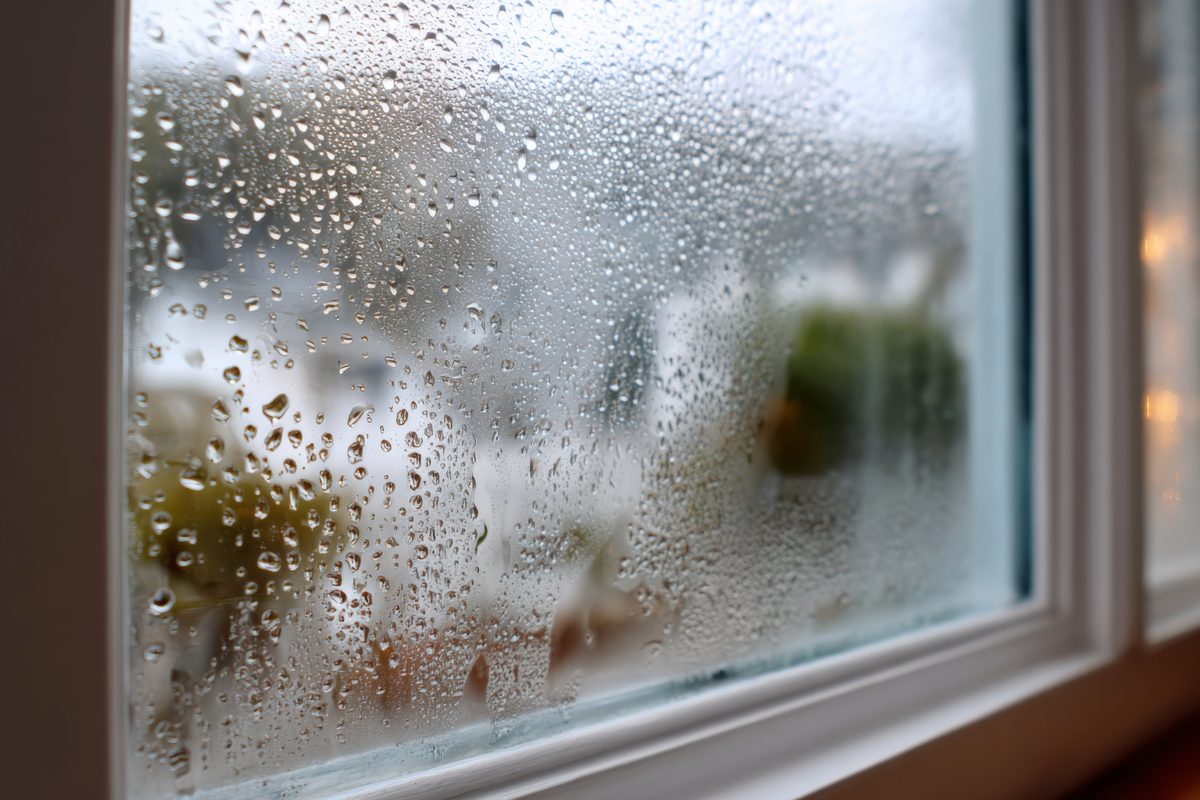
So the AC only dries the house while it’s running. Everything a thermostat does about humidity comes down to one question: when should the AC run, for how long, and how fast should the air move across that coil?
A basic thermostat answers that using temperature alone. Once the room hits your setting, it shuts the system off, whether the air is dry or not. In a lot of the country, that’s fine. In Houston, it’s how you end up with a house that’s 74 degrees and still feels sticky.
All that water has to go somewhere, too. If the drain line backs up, it can cause water damage to your ceiling. Our page on a clogged AC drain line covers what that looks like.
What’s the ideal indoor humidity level?
The EPA recommends keeping indoor humidity below 60 percent, and ideally between 30 and 50 percent.
In a Houston summer, holding the house around 50 is a realistic goal. Getting it below 45 when it’s muggy outside takes a system that’s sized right and working well. Above 60, most people feel it: clammy sheets, a musty smell in closets, and a house that feels warmer than the thermostat says.
That’s harder in Houston than it sounds. Here’s how humid the air outside is, month by month.
Outdoor and indoor humidity aren’t directly comparable, but these numbers show just how much moisture Houston’s air can carry throughout the year.
The dashed red line is the EPA’s 60 percent limit for indoor air. Houston mornings sit around 90 percent from May through September, and even January mornings average above 80.
The afternoon numbers look better than they are. Warm air can hold more water, so the same air shows a lower percentage when it’s hot. On an average July afternoon, it’s 92 degrees outside at about 54 percent humidity. If that same air got into your house and cooled to 75 degrees with no water taken out, it would be at about 93 percent. Any outside air that gets in, through a door, a leaky duct or the attic, brings that water with it. Your AC is what keeps it from building up.
Drier air feels cooler. At 50 percent humidity, most people are comfortable a degree or two warmer than they would be at 65 percent humidity. That’s the real payoff of humidity control in Houston. You may be able to set the thermostat a little higher while staying comfortable, which can help reduce cooling costs. Keep in mind that additional dehumidification can also use energy.
Four ways a thermostat handles humidity
“Humidity control” on the box can mean very different things. Every brand has its own name for these features, so look at what the thermostat actually does.
| What it does | How it works | What it needs |
|---|---|---|
| Shows the humidity | Displays a reading. Changes nothing on its own. | Nothing extra. Useful for knowing your number. |
| Cools a little past your setting | When it’s humid, lets the AC run a few degrees below your setting so it runs longer and pulls out more water. | Works with most central AC and heat pumps. You set the limit. |
| Slows the blower | Sends a dehumidify signal that drops the indoor fan speed, so the coil stays colder and wrings out more water. | A variable-speed or multi-speed air handler, wired for it. |
| Runs a dehumidifier | Switches a whole-home dehumidifier on when the humidity passes your target. | A dehumidifier installed in the ductwork, and a thermostat with terminals for it. |
Cooling past your setting is the one most smart thermostats offer, and it’s the easiest to use. Keep the limit small. Two or three degrees is plenty. Set it wider and the house gets cold, which defeats the point.
Slowing the blower can work well, but only on a system designed for it and set up correctly. Slow the air too much, or on the wrong equipment, and the coil can get too cold or the house can stop cooling properly. A single-speed blower operates at one fixed speed, so it can’t adjust airflow to improve humidity control. If you have variable-speed equipment, this feature may be available but not enabled.
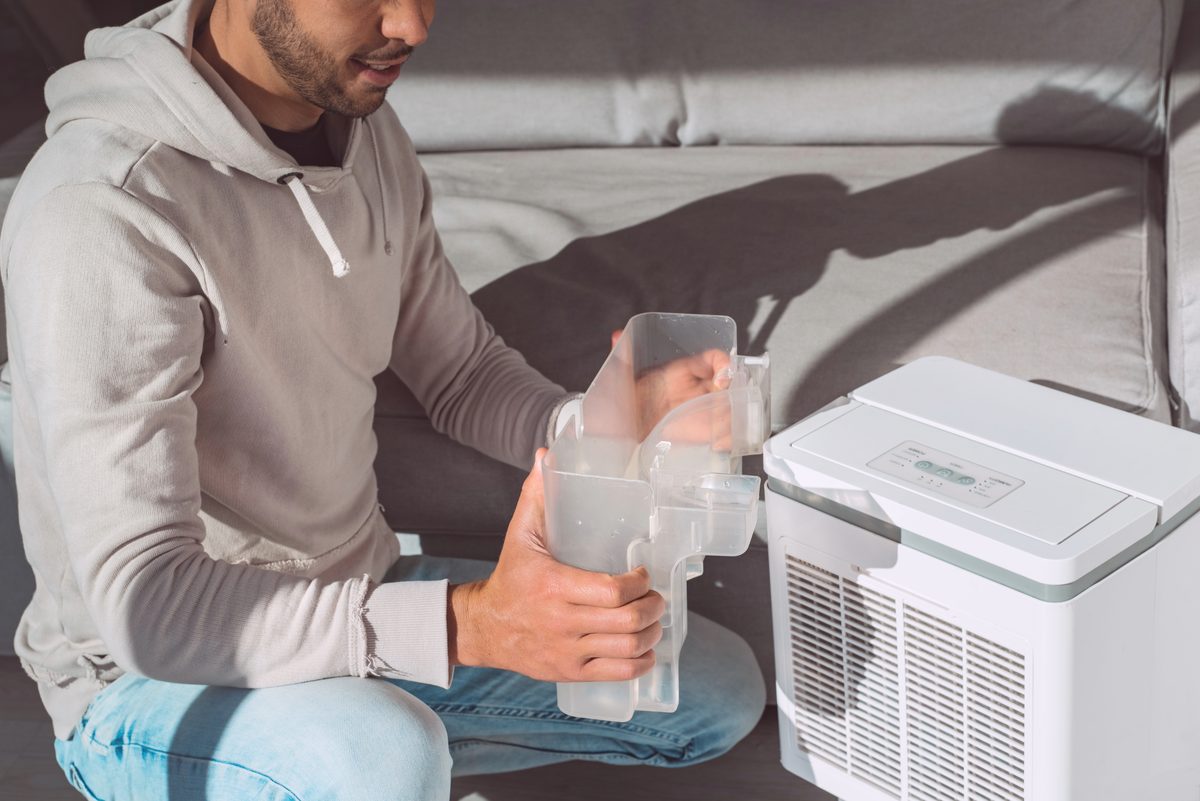
A whole-home dehumidifier is the only option that dries the house without cooling it. That matters more in Houston than people expect. Our indoor air quality page covers it.
Why your AC fan should be set to AUTO
Look at your thermostat right now. If the fan says ON, switch it to AUTO.
With the fan on ON, the blower keeps running after the compressor shuts off. The coil is still wet, and the moving air can carry some of that moisture back into the house before it drains away.
People set the fan to ON because it evens out the temperature between rooms. In Houston, it usually costs you more in humidity than it gains you in comfort. If one room is always warmer, that’s a different problem, and our post on why upstairs is hotter than downstairs goes through it.
Why your home feels humid when the AC isn’t running
This is the Houston part, and November is when it shows up.
On a mild, gray, 68-degree day, the house doesn’t need cooling or heat. So the AC doesn’t run. And because the AC is the only thing drying the air, nothing is. The house just sits there and gets clammy.
November is one of Houston’s most humid months
The percentage of hours each month when the outdoor humidity is 60 percent or higher. National Weather Service hourly readings at Bush Intercontinental Airport, 2016 to 2025, from the Iowa Environmental Mesonet.
November and December are humid about three hours out of four, a little more often than June, July or August. The difference is that in summer your AC is running and drying the air. In November, a lot of the time, it isn’t.
No thermostat fixes that by itself. Some thermostats can start the AC just to dry the air, if they’re set up for it. But that cools the house too, and on a 68-degree day you may not want it any colder. If those days bother you, a whole-home dehumidifier wired to the thermostat is the real answer, because it can dry the house without making it colder.
Older homes and newer homes have different humidity problems
Houston has a lot of both: older houses inside the Loop and in the established suburbs, and whole new neighborhoods going up on the edges of town. They pick up humidity in different ways.
Older homes leak. Air finds its way in around windows, doors, attic hatches and old ductwork. In Houston, that air is wet, so the AC is always drying a steady stream of it. Older systems are often single-speed, with no way to slow the blower. In an older house, sealing the leaks and fixing the ducts usually does more for humidity than any thermostat setting.
Newer homes are built to be more airtight. Better windows, more insulation and tighter attics keep the heat out, so the AC doesn’t have to run as long to hold the temperature. That’s mostly good news. But the AC only dries the house while it’s running. In a tight house it can hit the temperature fast and shut off before it’s pulled much water out, especially when the system is bigger than the house needs.

Many newer homes also bring in outside air on purpose, through a fresh-air vent, so the house doesn’t get stuffy. In Houston, that incoming air often carries a lot of moisture. If nobody planned for the moisture coming in with it, a brand-new house can feel clammy.
That’s where humidity control helps most. In a newer home, a thermostat that can run the AC a little longer, slow the blower or switch on a whole-home dehumidifier is often what makes the house feel as good as it looks. If you’ve just moved into a newly built house and it feels sticky, have the system checked rather than living with it.
Will it work with your system?
Check these before you buy one, not after.
- The C-wire. Most smart thermostats need constant power from a common wire. Plenty of older houses don’t have one at the thermostat. Some thermostats come with an adapter. Others won’t work without the wire.
- Heat pumps. The thermostat has to control the reversing valve and the backup heat. Set either one wrong and you get AUX HEAT running on mild days. See our heat pump vs. AC guide for what those labels mean.
- Dual fuel. A heat pump paired with a gas furnace needs a thermostat that can hand off between them at the right outdoor temperature. More on heater installation.
- Variable-speed equipment. Some high-end systems talk to their own matching control. Swapping in a different thermostat can switch off the staging and dehumidify features you paid for.
- Mini splits. Most run from their own remote or wall control, not a standard thermostat. Our mini splits page has more.
Smart features worth having
Some features earn their place in a Houston house. Others are nice to have.
Worth it:
- A humidity reading, at the very least. You can’t manage a number you can’t see.
- Room sensors. A sensor in the bedroom or upstairs lets the thermostat work off the rooms you care about, not just the hallway it’s mounted in.
- Schedules and away settings. Most of the savings come from reducing unnecessary cooling when nobody is home.
- Alerts. A phone alert when the house is getting too hot or too humid tells you something is wrong before you walk into it.
Nice, but not why you buy one: voice control, energy reports, and learning features that guess your schedule. They work. They just don’t do much for humidity.
If saving energy is part of the goal, look for one certified by ENERGY STAR. Certified smart thermostats have been tested on real homes, not just in a lab.
Where the thermostat goes matters
A thermostat only knows what’s happening on the wall where it hangs. That goes for the humidity sensor too.
Put it on an inside wall, in a room you use, about eye level. Keep it out of direct sun, away from supply vents, and away from the kitchen and bathroom doors. A thermostat next to a bathroom will read high humidity every morning after the shower and run the AC for no good reason. One in the afternoon sun will think the house is warmer than it is.
Settings we’d start with
Every house is different, but this is a good starting point for a Houston summer:
- Fan on AUTO, not ON.
- Humidity target around 50 percent.
- Cool-past-setting limit of 2 to 3 degrees, if your thermostat offers it.
- Raise the temperature a few degrees when you’re away, rather than turning it off. A house closed up all day in August gets hot and damp, and the system has to work hard to dry it back out.
- Heat pump owners: make sure the backup heat isn’t set to come on too easily. That’s worth checking now, before the first cold snap.
When it isn’t the thermostat
A lot of people buy a new thermostat to fix a humid house. Sometimes it helps. Often the problem is the system itself:
- The system is oversized. It cools the house fast and shuts off before it has pulled the water out. Cold and clammy is the classic sign.
- It’s low on refrigerant. That interferes with proper cooling and moisture removal, and it can even make the coil freeze up. Refrigerant isn’t used up, so low means a leak.
- The coil or filter is dirty. Less air across the coil, and less drying.
- Incorrect blower settings can reduce how effectively your system removes moisture.
- Return ducts are leaking in the attic. The system pulls in hot, wet attic air and has to fight it.
Every one of those shows up on a thorough service call, and none of them is fixed by a thermostat. If your indoor humidity stays above 60 percent while the AC is running, it’s time to have your system checked. See AC service and repair, or book a maintenance visit, which is the right time to ask whether a smart thermostat would help.
Where we work
Castle is based in Fulshear and covers southwest Houston, Fort Bend County, the Bay Area and the Gulf Coast. Here are some of the communities we serve most often.
What Houston homeowners say
Real homeowners, real service
Houston homeowners keep asking for our technicians by name.
Google Reviews
4.9
★★★★★
Based on 204 reviews
Frequently asked questions
Can a thermostat control humidity?
Not on its own. A thermostat can’t take water out of the air. What a humidity control thermostat can do is measure the humidity and change how your air conditioner or dehumidifier runs because of it. The equipment does the work. The thermostat decides when.
What is a good humidity level for a house in Houston?
The EPA recommends keeping indoor humidity below 60 percent, and ideally between 30 and 50 percent. In a Houston summer, holding the house around 50 is a realistic target. Under 45 takes a system that’s working well.
What does dehumidify mode on a thermostat do?
It depends on the system. On some thermostats it lets the AC cool a couple of degrees past your setting when the humidity is high, so it runs longer and pulls out more water. On a variable-speed system it can slow the indoor blower so the coil stays colder. If a whole-home dehumidifier is wired to the thermostat, it switches that on.
Should I leave my AC fan on ON or AUTO in Houston?
AUTO, in almost every case. With the fan on ON, it keeps blowing after the compressor stops, and that air picks the water back up off the wet coil and returns it to the house. AUTO stops the fan with the compressor so the water drains away instead.
Why does my house feel humid even though the AC is running?
Usually the system isn’t running long enough to dry the air, or it can’t. An oversized system short-cycles. A system low on refrigerant or with a dirty coil cools poorly and dries poorly. Leaky return ducts in the attic can pull hot, wet air straight in. A new thermostat won’t fix any of those.
Why does my new house feel humid?
Newer homes are built to be more airtight, so the AC can reach the temperature quickly and shut off before it has pulled much water out of the air, especially if the system is bigger than the house needs. Many also bring in outside air through a fresh-air vent, and in Houston that air is humid. Longer, slower run times or a whole-home dehumidifier usually fix it.
Will a smart thermostat work with my heat pump?
Most will, but it has to be set up for one. A heat pump needs the thermostat to control the reversing valve and the backup heat, and getting either setting wrong is a common reason AUX HEAT runs when it shouldn’t. Read more on our heat pumps page.
What is a C-wire, and do I need one?
The C-wire, or common wire, gives the thermostat constant power. Most smart thermostats need it, or an adapter that does the same job. Many older Houston homes were wired without one, so check before you buy rather than after.
Can a smart thermostat lower my energy bill?
It can, mostly through schedules and not cooling an empty house. ENERGY STAR certifies smart thermostats on real field data, so a certified model is a good place to start. The savings come from how you set it up, not from having one on the wall.
Should I turn the AC off when I leave for the day in summer?
We’d raise the temperature a few degrees instead. A house that sits closed up all day in August gets hot and humid, and the system then has to work hard to dry it back out. Bumping the setting up while you’re out saves energy without letting the humidity climb.
Does a whole-home dehumidifier need its own thermostat?
It needs something to tell it when to run. That can be its own control or a thermostat with terminals to run one. Wiring it to the thermostat lets one device manage both temperature and humidity.
Where is the best place to put a thermostat?
On an inside wall in a room you actually use, about eye level. Keep it out of direct sun and away from supply vents, the kitchen, and bathroom doors. A thermostat next to a steamy bathroom will read high humidity all morning.
Can I install a smart thermostat myself?
Plenty of people do. The risk is in the wiring and the setup screens, especially on heat pumps, dual-fuel systems and variable-speed equipment. If it’s set up wrong, the system may run its backup heat when it shouldn’t or switch off features you paid for.
Heat pump vs. AC in Texas — what AUX and EM HEAT mean on your thermostat, and whether a heat pump suits a Houston house.
House still feels damp, or not sure a smart thermostat will work with your system? Call or text and we’ll give you a straight answer.